Essential storage only, unless you let us measure what helps athletes find us. Cookie policy

HRP is now built around gym sims and independent races. We no longer show official HYROX race results. Your sims, records and training stay. What's changing →
Learn · For organisers

How to set up your own fitness event

A fitness event can be a HYROX-style sim at your gym, a CrossFit throwdown, a partner race or a format you invent. Whatever the workout, the same ten things decide whether it runs well: a clear format, the right date and venue, simple categories, online bookings and waivers, a plan for waves, briefed judges, timing or scoring every athlete, a leaderboard people can watch, a smooth day and results while people still care. This guide takes each in turn.

Free to sign up. Your first event is free for up to 100 athletes.

Athletes and spectators watching a burpee station during a gym fitness race
A gym sim timed on HRP: the crowd is half the event.
  1. Step 1

    Choose the format

    Decide what athletes do, how it is scored and how they are ranked.
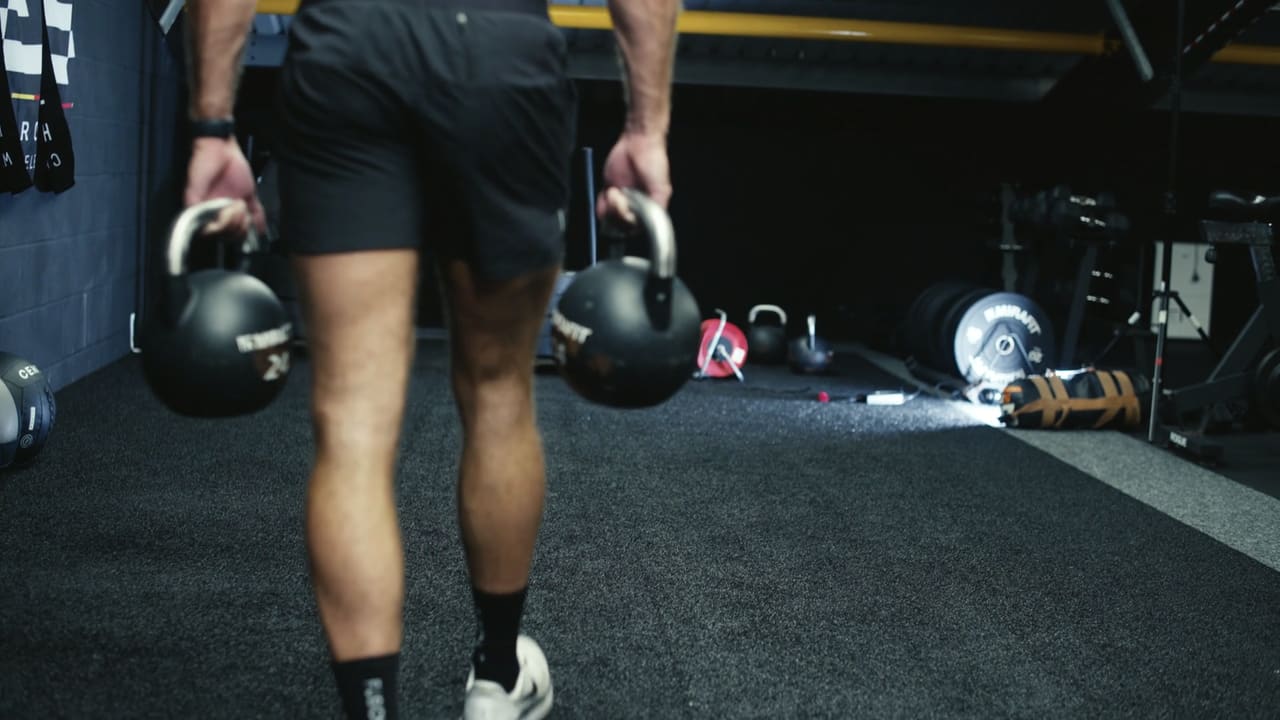
    Athlete carrying two kettlebells across the gym floor
    Write the format down segment by segment: what, how far, how it is scored.

    Start from what your athletes train for. Runs and stations in a fixed order (a HYROX-style sim) suit hybrid racers; a few short workouts scored for time or reps suit a CrossFit crowd; timed blocks shared by a pair suit beginners and social athletes.

    Write the format down as a list of segments: what each one is, the distance or reps, any time cap, and how it is scored (time, reps, calories, metres). Then decide how the overall ranking works: fastest total time, highest total score, or points for placing in each workout.

    On HRP you can build your own format: any stations in any order, each scored by time, reps, calories, metres or watts, ranked by total time, total score or points. See how it works

  2. Step 2

    Pick a date and a venue

    Six to ten weeks out, on a morning when the floor can close.

    Give people six to ten weeks to book and train. Check the local race and competition calendar so you are not up against a big event your athletes are already doing.

    The venue sets your numbers: how many lanes of each piece of kit you have decides how many athletes can start together. A gym floor works for most formats; a sports hall or car park gives you room for a run loop.

  3. Step 3

    Plan the floor and the kit

    One lane per station per athlete racing at once, plus spares.

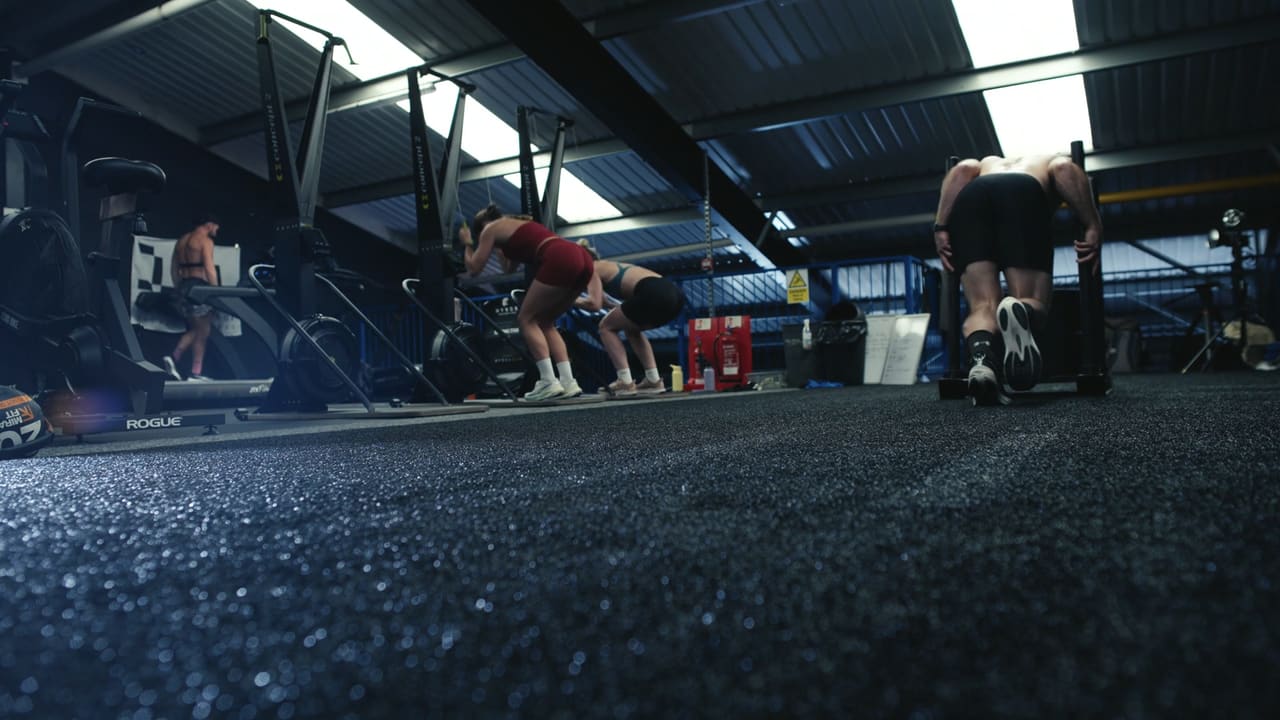
    Gym floor set up for a fitness race with ergs and a sled lane
    Lay the floor out so athletes flow one way.

    Lay stations out in order so athletes move in one direction, with a marked start, finish and any run loop. Your slowest station to clear (often a sled or an erg) sets how big each wave can be.

    List the kit per station and per category (weights for men and women, Rx and Scaled), and keep spares of anything that breaks: wall balls, a second sled, a spare rower.

  4. Step 4

    Set categories and prices

    Keep categories simple; price per athlete to cover the day.

    Most events need men's and women's categories, a beginner and an advanced division (Open and Pro, or Scaled and Rx), and team options if your format suits pairs or relays. A junior category on a shorter course brings families in.

    Price per athlete to cover kit, judges, the venue and prizes, with a members' price if you want to reward regulars. Team places are usually priced per person.

    HRP lets one event carry several categories, each with its own course, price and leaderboard. See how it works

  5. Step 5

    Open bookings and take payment

    Sell places online so you know your numbers before the day.

    Athlete lacing up trainers before a fitness event
    Sell places online so you know your numbers before the day.

    Online booking means you see who is coming, who has paid and how full each wave is, and nobody turns up expecting a place that does not exist. Share one link on social, in your app and by email.

    Ask for what you need at booking: category, team members, emergency contact and anything for your insurance.

    On HRP athletes book and pay on your event page, with members' prices and team places, and the money goes straight into your own Stripe account. See how it works

  6. Step 6

    Collect waivers

    Every athlete signs before they race, including both halves of a pair.

    A liability waiver protects you and makes the risks clear to athletes. Collect it at booking, not on a clipboard at the door. Under-18s need a parent or guardian to sign; in a team, every member signs their own.

    Keep the signed copies with the booking so you can find them if you ever need to.

    HRP takes the waiver as part of booking: a tick-box, or a typed-name signature with a guardian for under-18s. See how it works

  7. Step 7

    Recruit and brief judges

    One judge per two or three stations, plus a start and finish.

    Judges check movement standards, count reps and record each athlete's time or score. Brief them on the standards for their stations, what a no-rep looks like and what to do if someone stops.

    Give every judge the same simple tool so results do not depend on collecting and typing up paper sheets.

  8. Step 8

    Time and score every athlete

    Every segment recorded live, not just a finish time.

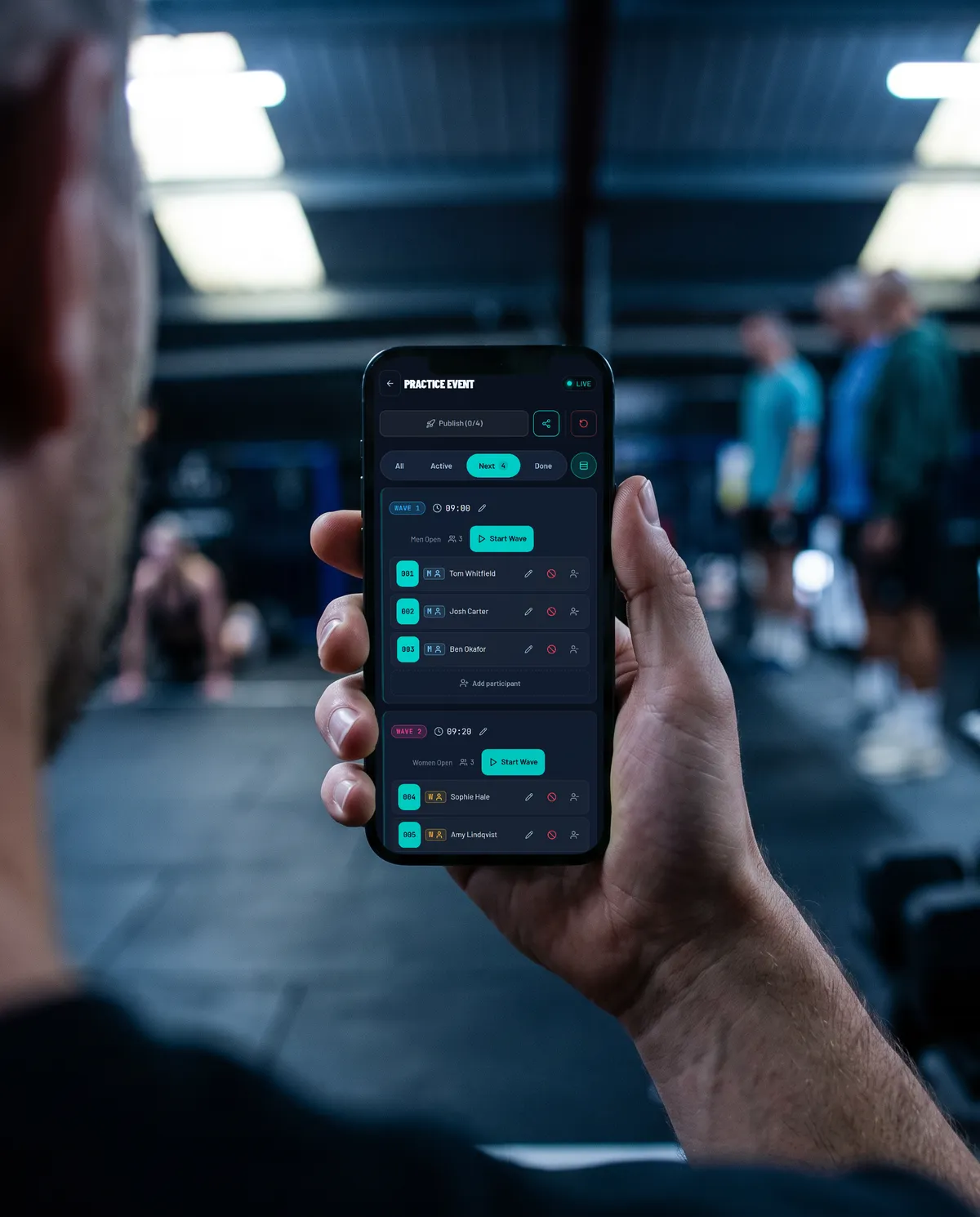
    Judge holding a phone to time a fitness event on HRP
    One tap per athlete per segment, or a score for reps and metres.

    Athletes come back for their breakdown: each segment's time or score and how they compare with the field. Recording every segment as it happens gives you that without anyone typing results up afterwards.

    For a small field, judges with phones are enough. For hundreds of athletes over a long course, chip timing can sit alongside.

    On HRP each judge opens a link on their own phone, taps each athlete through or enters their reps, calories or metres. No accounts, no hardware, and it keeps working offline. See how it works

  9. Step 9

    Put a live leaderboard on a screen

    Spectators stay when they can follow the race.

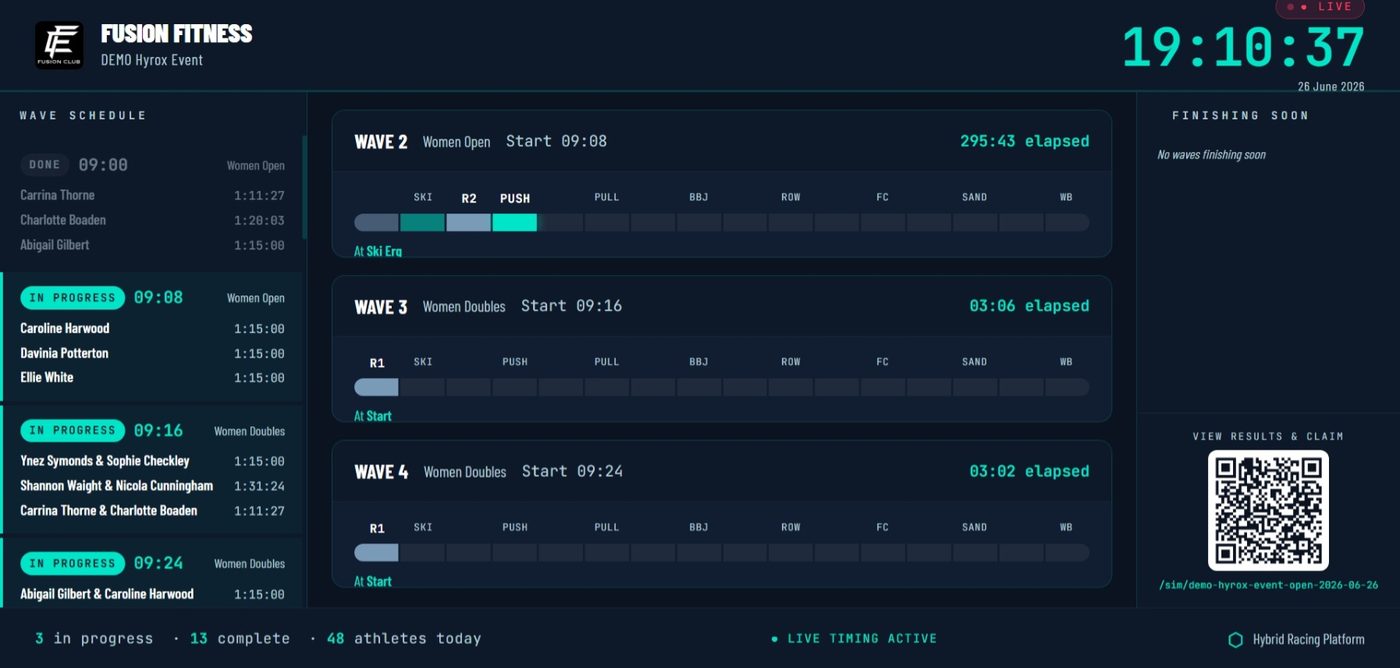
    Live leaderboard on a gym TV during a fitness event
    A live board turns a workout into an event.

    A screen showing who is where and who is on for a PB makes it an event for everyone in the room, not just the people racing. Any TV with a browser will do.

  10. Step 10

    Publish results the same day and book the next one

    Results within an hour; the next date while the room is buzzing.

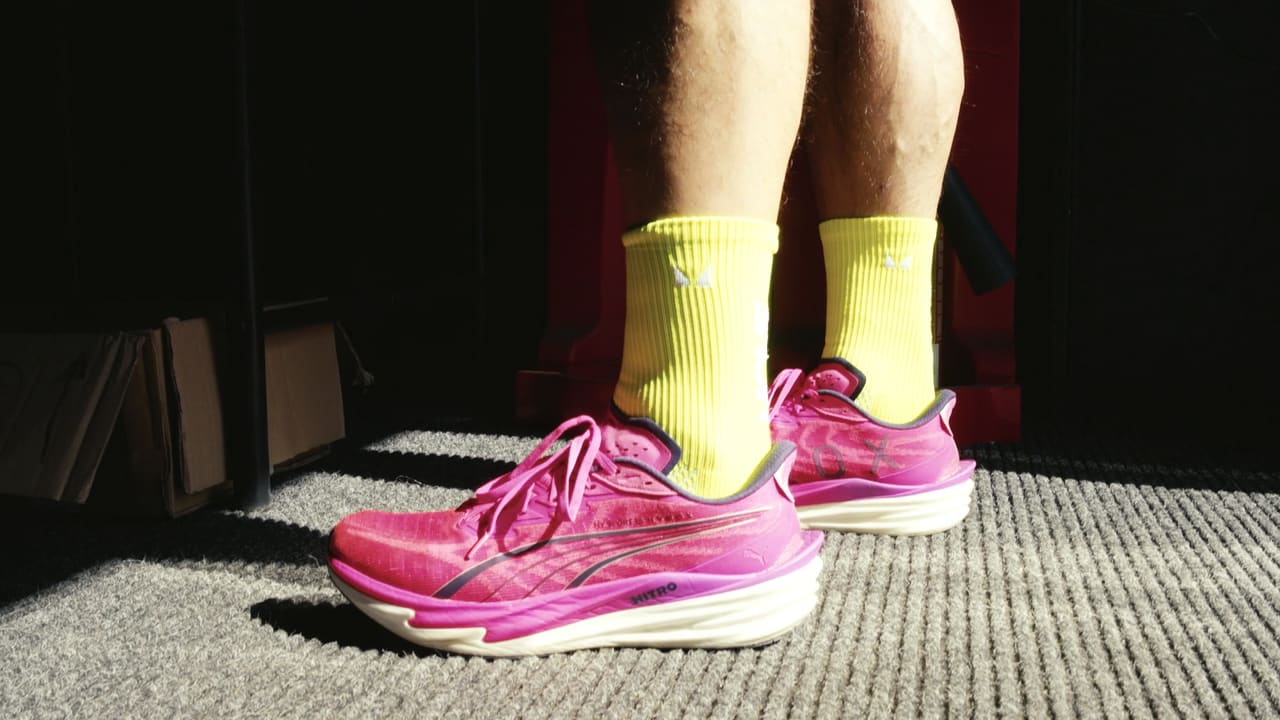
    Athlete's trainers on the start line of a gym fitness race
    Announce the next date while the room is still buzzing.

    Publish results as soon as the last athlete finishes. Athletes share their breakdown that evening; a week later nobody looks.

    Then announce the next date. The best time to sell the next event is the afternoon of this one.

    HRP publishes results from the timing in one click, gives every athlete a full breakdown and share cards, and copies your categories and waves into the next event. See how it works

Fitness event checklist

  • Format written as segments with scoring
  • Ranking rule (time, score or points)
  • Date 6 to 10 weeks out
  • Venue and floor plan
  • Kit per station and spares
  • Categories, divisions and teams
  • Prices and members' price
  • Online booking and payment
  • Waivers (guardian for under-18s)
  • Judges briefed on standards
  • Timing on phones or chips
  • Live leaderboard on a screen
  • Results the same day
  • Next date announced

Questions organisers ask

How far in advance should I plan a fitness event?

Six to ten weeks is enough for most gym events: it gives athletes time to book and train, and you time to sort judges and kit. Larger events at a hired venue need three months or more.

How many judges do I need?

Roughly one judge for every two or three stations, plus one on the start and one on the finish or run loop. A gym event with waves of 6 to 10 athletes usually needs 5 to 8 judges.

Do I need insurance for a fitness event?

You should check your public liability cover with your insurer before you sell places, and collect a signed waiver from every athlete. Gyms often find their existing cover extends to in-house events, but confirm it in writing.

How should I score a fitness competition?

Score each segment the way it is done: for time when athletes race a set distance or reps, for reps, calories or metres when there is a time cap. Rank overall by total time, total score, or points for placing in each workout, whichever suits your format.

What software do I need to run a fitness event?

At minimum: online booking with payments, waivers, a way to record times or scores, and somewhere to publish results. HRP does all of these in one place, plus wave planning and a live gym TV leaderboard.

What does HRP cost?

Signing up is free and your first event is free for up to 100 athletes. After that it is £1 per athlete, with no subscription and no hardware.

Run your event on HRP

Bookings and payments, waivers, waves, timing and scoring on judges' phones, a live leaderboard and full results for every athlete, for any format. Free to sign up, first event free for up to 100 athletes, then £1 per athlete.

HYROX and CrossFit are trademarks of their owners. Hybrid Racing Platform is independent and not affiliated with or endorsed by either; the names describe event formats only.