Step 1
Set up your organisation
Your name, logo and team, with admins for each event.
Create an organisation for your company, add your logo, and invite the people who run events. Every event page, leaderboard and result carries your brand.
We use the storage the site needs to work (your sign-in and settings). With your OK we'd also measure what helps athletes and gyms find us. Essential storage only, unless you let us measure what helps athletes find us. Cookie policy
You have a format, a brand and venues lined up. What you need is the system behind them: entries and payments, waivers, start lists, timing, a leaderboard for the screens and results athletes want to share. HRP runs all of it, for one event or a season across many venues, under your own name.
Free to sign up. Your first event is free for up to 100 athletes.

Your name, logo and team, with admins for each event.
Create an organisation for your company, add your logo, and invite the people who run events. Every event page, leaderboard and result carries your brand.
Stations, distances, time caps and scoring, reused at every event.

Build your race as a format: each segment's distance or reps, any time cap, and how it is scored (time, reps, calories, metres or watts), with the overall ranking by total time, total score or points. Add a shorter course for beginners and a junior course if you want them on the same day.
On HRP a format is saved to your organisation and used by every event you create, so results compare like for like across venues. See how it works
One page per event, with its own categories, waves and prices.
Each stop on your calendar is its own event with a page to share, its own categories, capacities, prices and wave times. Copy a past event to set up the next one in minutes.
Payments into your Stripe account; a waiver from every athlete.

Athletes enter on your event page, pay into your own Stripe account and sign the waiver as they book, with a parent or guardian for under-18s and every team member signing their own. You see entries, payments and start lists as they come in.
Judges tap athletes through or enter scores; no hardware to hire.
For most events, judges on their own phones are all the timing you need: a tap as each athlete finishes a segment, or a score entered for reps, calories and metres. It keeps working offline and feeds the leaderboard live.
RACE RESULT chips for hundreds of athletes on a long course.

When the field runs into the hundreds, HRP works alongside RACE RESULT chip timing, with bibs and chips assigned from your entries, while judges still score the stations.
Live lanes, the whole field and finish cards on any display.
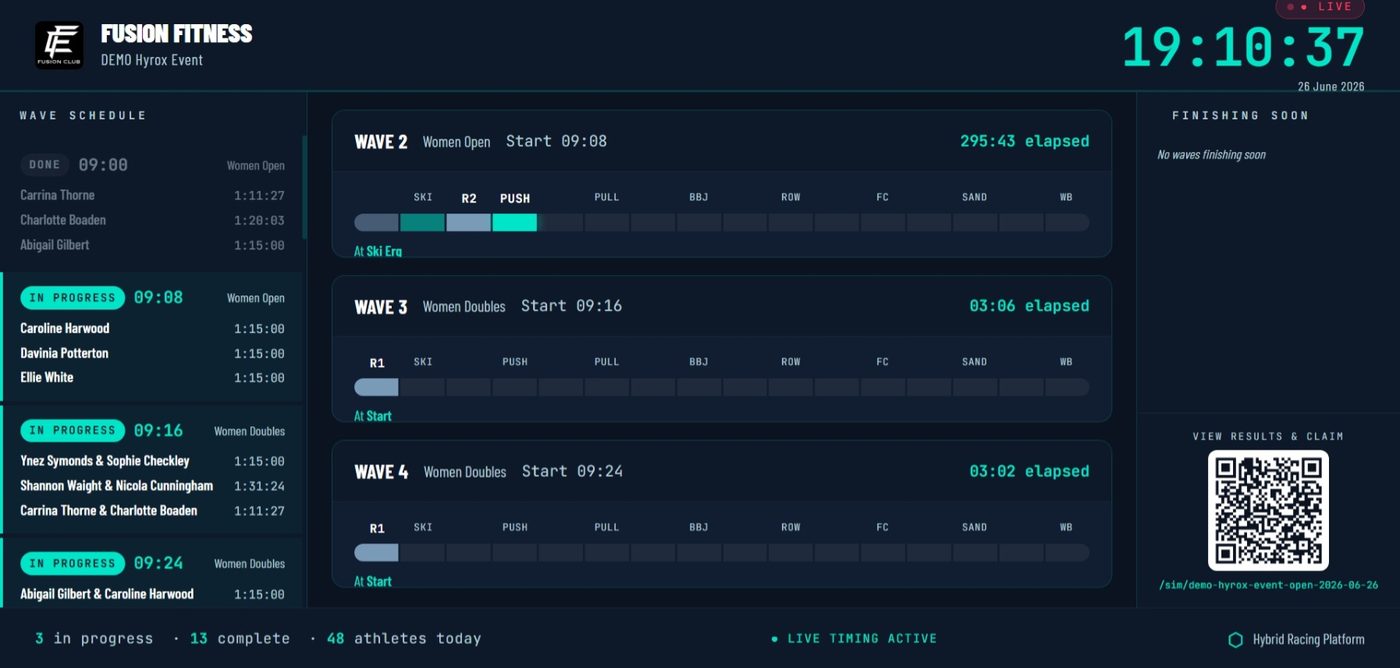
Every screen at the venue can show the live race: lane views per station, the whole field, and a finish card as each athlete comes in. Spectators follow the race; sponsors get a screen people actually watch.
Full breakdowns and share cards for every athlete.
Results publish straight from the timing. Every athlete gets their full breakdown, how they compare with the field and their previous races, and share cards that put your brand on their social feeds.
A points table across every event in your series.
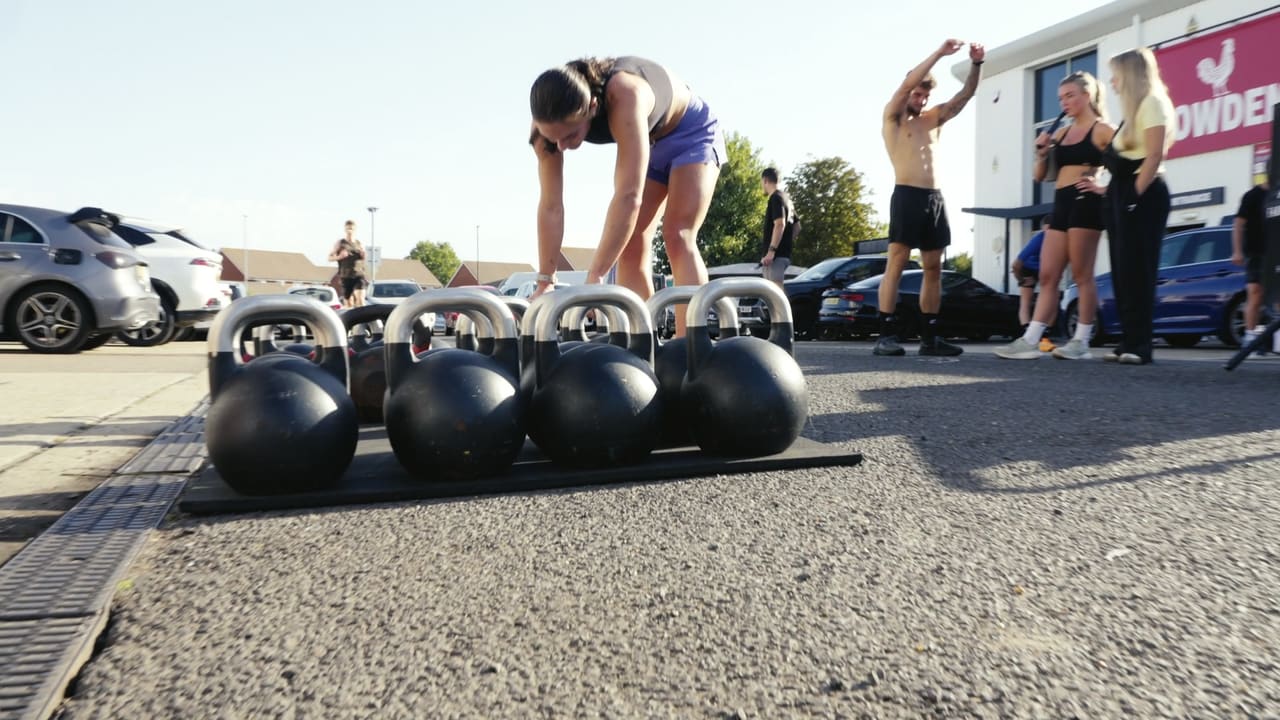
Link your events into a season and keep a standings table across them, so athletes come back to every stop and the finale has something riding on it.
Event companies, promoters and clubs use HRP the same way gyms do: set up an organisation, build your format and run events at any venue under your own brand.
Yes. You define the stations, distances, time caps and scoring, and how athletes are ranked. The format is reused across every event so results compare like for like.
Yes. For large fields HRP works with RACE RESULT chip timing, while judges score stations on their phones. Smaller events run on phones alone.
You do. Payments go directly into your own Stripe account; HRP never holds your funds.
Yes. Each venue and date is its own event, and a season links them with a standings table.
Signing up is free and your first event is free for up to 100 athletes. After that it is £1 per athlete timed, with no subscription. For a large series, book a call and we will talk it through.
Your format, your brand, every venue: entries and payments, waivers, start lists, timing on phones or chips, live screens, results and series standings in one place.